Indonesia eSIM
2GB
AUD$5.95
15 days
Data only · Pass optional
HotspotTop-up
Get this plan in BFF Choose your Indonesia data, install your eSIM and arrive connected. Choose a 30-day data pack or daily unlimited. BFF Pass included with 5GB packs and above.
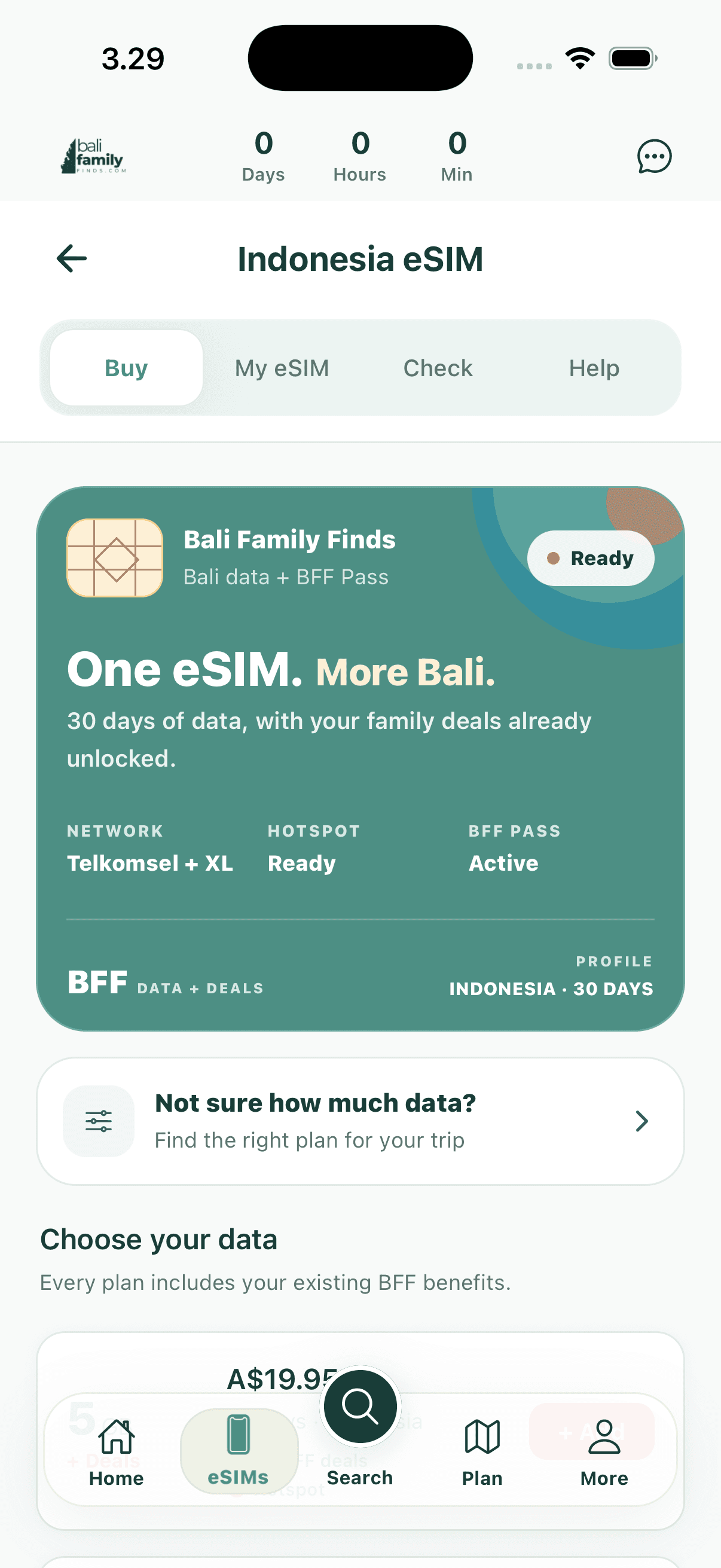
Indonesia eSIM plans
Data for the whole trip, or a fresh high-speed allowance each day.
Included with 5GB+ data packs
Choose a 5GB, 10GB, 20GB or 50GB pack and get the BFF Pass included for family meals, pool days, activities, drivers and more. The 3GB and daily plans are data only; you can add a Pass in BFF.
Install once. Connect on arrival.
The same setup used in the BFF app, kept here for an easy pre-flight check.
Open My eSIM in BFF and tap Install while you have reliable Wi-Fi. Do not delete the eSIM after installation.
Turn on the BFF eSIM, select it for Mobile Data and enable Data Roaming for that line.
Turn Wi-Fi off and open a webpage. If it loads, you are connected to the local network.
eSIM help
The practical answers from BFF support, available before you buy or fly.
Choose 1–30 days in BFF. You get 2GB of high-speed data each day, then continue at 1Mbps. The base rate is per day; longer-stay discounts and the final price are shown in the app.
The 5GB, 10GB, 20GB and 50GB data packs include the BFF Pass. The 3GB pack and daily unlimited are data-only plans, with an optional Pass available in BFF.
Open eSIMs in the BFF app, choose My eSIM and tap Install beside the plan. Follow the Apple or Android prompts, stay on reliable Wi-Fi until installation finishes and do not delete the eSIM afterwards.
Install it before you fly while you have reliable Wi-Fi. Keep your usual SIM as the main line until you are ready to use the BFF eSIM. When you land, turn the BFF line on, select it for Mobile Data and enable Data Roaming for that eSIM.
Yes. Your phone must support eSIM and must not be locked to another mobile carrier. Use the phone check before buying if you are unsure.
Turn the BFF eSIM on, choose it for Mobile Data and turn Data Roaming on for that line. Turn Mobile Data Switching off so your phone does not use your home SIM for data.
Confirm the BFF line is on, selected for Mobile Data and has Data Roaming enabled. Then turn Airplane Mode on for 10 seconds, turn it off and restart your phone. If it still does not connect, send BFF support a screenshot of your SIM or Mobile Data settings.
Do not delete an installed eSIM unless BFF support asks you to. An activation code may install only once and an installed profile may not transfer to another phone. Contact BFF before deleting it or changing devices.
If your active plan supports a top-up, open My eSIM and tap Top up this eSIM. If the button is not shown, BFF support can help confirm whether you need a new plan.
Indonesia eSIM
AUD$5.95
Indonesia eSIM
AUD$9.95
Indonesia eSIM
AUD$19.95
Indonesia eSIM
AUD$25.95
Indonesia eSIM
AUD$34.95
Indonesia eSIM
AUD$54.95
Indonesia eSIM
AUD$4.49 / day
2GB high-speed data each day, then 1Mbps. Longer-stay discounts and your final price are shown in BFF.
Get this plan in BFF